
Accessibility Training
Explore our training resources designed to equip you with the knowledge and skills to foster a welcoming and supportive environment. Whether you’re new to accessibility or seeking to enhance your expertise, we invite you to enroll in our training programs.
Digital Accessibility Courses
Explore professional development and learning resources related to digital accessibility.

Disability Accessibility
This course will give an overview of the history of the Americans with Disabilities Act, disability civil rights and social justice, proactive design, and ways to create an inclusive environment on campus. Upon successful completion, participants will receive two hours of training credit and a certificate.

Introduction to Digital Accessibility
This self-paced online course is specifically designed for UCF faculty and staff to introduce them to foundational concepts of digital accessibility. Participants will learn key terminology, common disabilities, assistive technologies, relevant laws and policies, and practical strategies for creating accessible documents, media, and digital content—no prior experience required.

Introduction to Digital Accessibility
This self-paced online course is specifically designed for UCF students to introduce them to foundational concepts of digital accessibility. Participants will learn key terminology, common disabilities, assistive technologies, relevant laws and policies, and practical strategies for creating accessible documents, media, and digital content—no prior experience required.
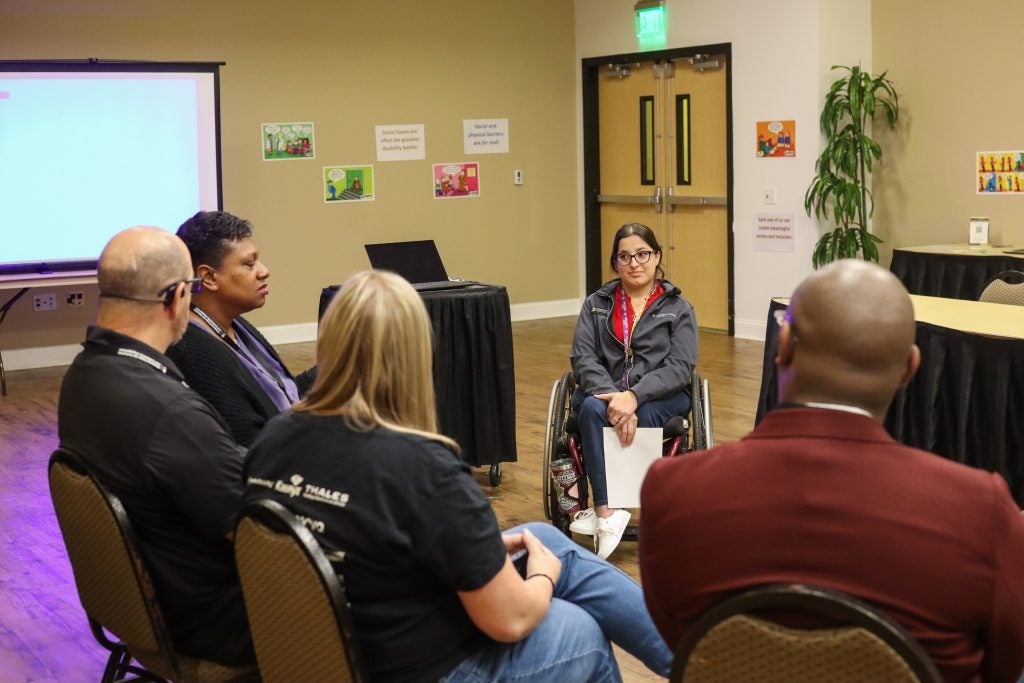
Accessibility by Design
Created by UCF Student Accessibility Services, Accessibility by Design: From Social Justice to Classroom Access will give an overview on the history of the Americans with Disability Act, proactive course access and design, and ways to create an accessible environment on-campus and in the classroom. A certificate is given upon successful completion of the course.

LinkedIn Learning
Explore on-demand learning opportunities related to accessibility, inclusive design, and digital content best practices through LinkedIn Learning. Limited UCF staff can use these courses to strengthen everyday skills in creating more accessible documents, media, web content, and learning experiences.
Sessions for All
Explore Upcoming Training Opportunities
Promote Your Accessibility-Focused Event Here
Add your event to this list by creating your event within UCF Events and applying the following tags:
Accessibility – General tag to indicate an accessibility-focused training event
Accessibility - Faculty – Indicates the event is for UCF faculty.
Accessibility - Staff – Indicates the event is for UCF staff.
Accessibility - Student – Indicates the event is for UCF students.
Specialized Training and Consultations
Looking for more in-depth guidance on accessibility? Explore a range of specialized training sessions and one-on-one consultations offered by various UCF offices and departments. Whether you need support with digital accessibility, inclusive teaching practices, or accessible event planning, these additional resources can help you take the next step.

Digital Accessibility Lab
- Check your Accessibility – Submit your content and get a review with clear steps to improve your content’s accessibility.
- Start remediation – We’ll help you fix accessibility issues in your digital content.
- Get personalized support with one-on-one guidance for complex projects.

Webcourses@UCF Accessibility Support
- Attend a Webcourses@UCF Open Lab to review your course content and address accessibility needs with support staff.
- Faculty credentialed to teach online can work with their Instructional Designer to create accessible course materials and access campus accessibility resources. Request ID Support.
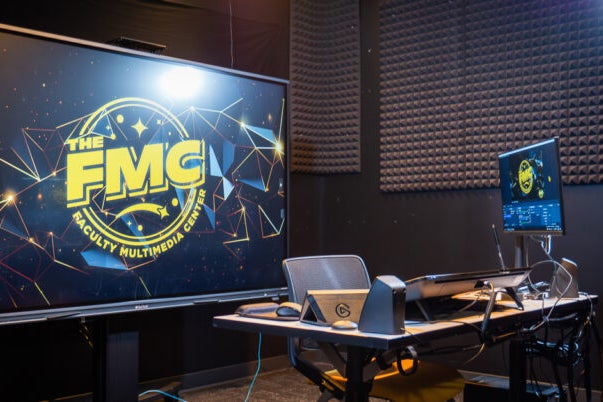
Faculty Multimedia Center
- Accessibility Consultation – Sign up for our Accessibility Console to connect with IAAP – Certified Professionals in Accessibility Core Competency and get expert advice on making your course content accessible.
- Create Accessible Course Media – Learn how to create accessible media or get hands-on support from our staff transcribing your existing course media.
View this Course in Canvas Commons
The University of Central Florida offers Introduction to Digital Accessibility as an openly licensed, self-paced professional development course. Learners explore essential accessibility principles and practical strategies they can apply to their day-to-day work.
The course includes an implementation guide that identifies UCF-specific content to replace, along with other considerations to review before offering the training at your institution. The course may also be modified for a student audience.
How to access this course
- Sign in to Canvas Commons at your institution.
- Search for Introduction to Digital Accessibility.
- Preview the course, import it into your Canvas account, or download it as an IMS Common Cartridge file.
Note: If the course does not appear in your search results, check the Commons filter settings. Some institutions default the Shared with filter to courses shared only with their own institution. Change that filter to All to include openly shared courses.